
This document provides information on precautions to take before using the product and describes the features and characteristics of the product, including battery usage precautions, product use and handling methods, etc.
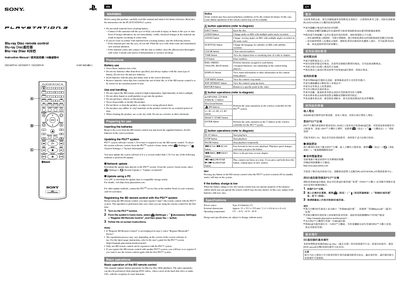
This Sony CECHZR1H/CECHZR1T/CECHZR1K instruction manual covers the Blu-ray Disc remote control for the PS3 system. It explains inserting the supplied batteries, updating the PS3 system software, and registering the BD remote control.
The manual lists precautions for battery use and handling, describes button operations for Blu-ray Disc playback, and provides specifications such as power source, dimensions, and operating temperature.
| Power source | Type AA batteries (2) |
|---|---|
| External dimensions | Approx. 51 x 25.5 x 219 mm/ 2x 1 x8.6 in (wx hx d) |
| Operating temperature | 53°C —35°C /41°F - 95°F |
PS3 system software version 1.30 or later is required to use the BD remote control.
Turn on the PS3 system, select Settings > Accessory Settings > Register BD Remote Control, press the © button, and follow the on-screen instructions.
When the battery charge is low, the remote control may not operate properly or the operating distance may become shorter. Replace both batteries with new ones.
Yes. Pressing any button on the BD remote control when the PS3 system is in standby mode will turn on the system.