
This document introduces the use of the PS3™ wireless keypad, including connection, use, and maintenance.
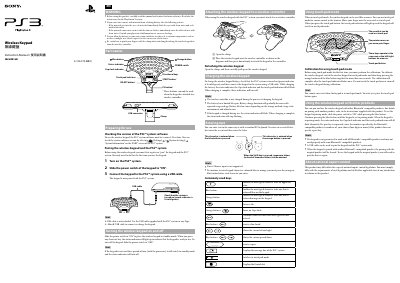
This manual explains how to set up the Sony CECHZK1HK wireless keyboard, including safety precautions, pairing with the PS3 system, and charging the built‑in rechargeable battery. It also covers the keyboard’s special functions such as the blue/orange character buttons, Caps Lock, and touch‑pad mode.
The document provides step‑by‑step procedures for registering the keypad, using it as a standard keyboard, switching to touch‑pad mode for cursor control, and pairing with other Bluetooth‑compatible devices. Export‑control and warranty notices are included at the end.
| Battery | Rechargeable |
|---|---|
| USB Cable | Not included |
Yes, hold the blue button while turning the power switch to ON to enter pairing mode; follow the other device’s instructions to complete pairing.