
Hard disk camcorder instruction manual, can record a lot of videos and still images, support DVD production, video event registration, editing files on the computer, direct printing and other functions
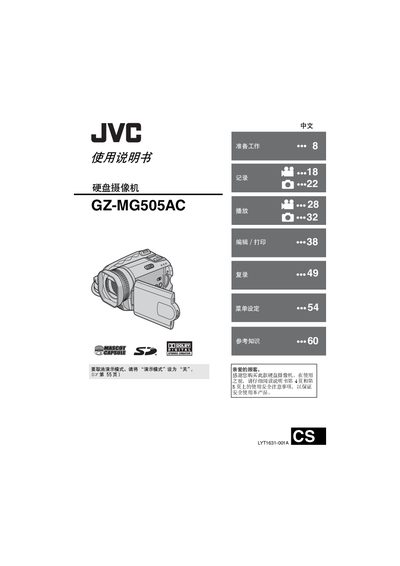
This guide covers all essential functions of the JVC GZ-MG505AC hard‑disk camcorder, including video and still image recording, playback, USB and DVD connections, and PictBridge printing. It also explains how to set up the camera, format media, and use the built‑in battery and AC adapter.
Safety precautions, battery handling, and troubleshooting steps are included to help users avoid damage and ensure reliable performance. The manual lists compatible SD cards, recommended recording media, and provides detailed menu navigation for event tagging and file management. This manual is written in Chinese.
| Power adapter model | AP-V14AC |
|---|---|
| Battery type | CR2025 |
| Minimum SD card speed | 10 MB/s |
If the camcorder behaves abnormally, reset it as described on page 60 of the manual.