
This document is an instruction manual for the JVC GR-D72 digital video camera, including usage instructions, video recording and playback, digital still camera recording and playback, etc.
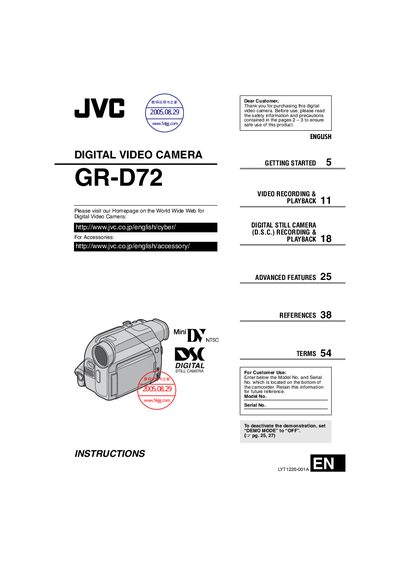
This manual introduces the JVC GR-D72 digital video camcorder, covering safety precautions, required accessories, and basic setup such as attaching the lens cap, shoulder strap, and core filter cables. It explains the two‑way power system, battery‑pack handling, and charging procedures.
Detailed sections guide users through video recording, playback, digital still camera (D.S.C.) functions, advanced features like white balance and night‑alive mode, and troubleshooting. Reference tables list specifications, terms, and service information.
| Battery pack charging time (BN‑V408U) | Approx. 1 hr 30 min |
|---|---|
| Maximum continuous recording time (BN‑V408U) | Video 1 hr 10 min, LCD monitor 1 hr 40 min |
| AC adapter model | AP‑V14U or AP‑V15U |
| AC adapter voltage range | 110 V to 240 V (auto‑selection) |
| Remote‑control battery type | Lithium CR2025 |
| Power source options | 2‑way: battery pack or AC adapter |
Thread the strap through the eyelet, fold it back, pass it through the strap guide and buckle, then tighten the strap to the desired length.