
This instruction manual provides information on how to use JVC DV camcorders GR-DVX709ED, GR-DVX509ED, GR-DVX400ED, GR-DVX709SH and GR-DVX509SH.
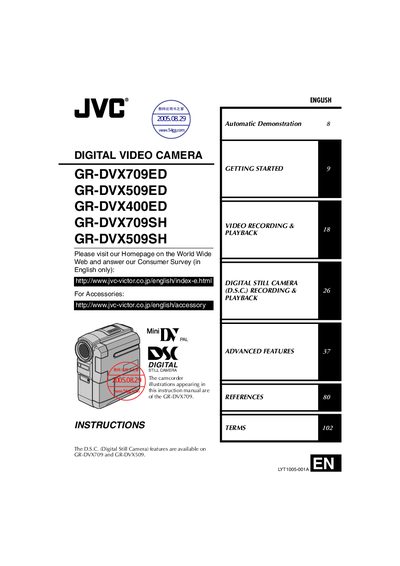
This instruction manual covers safety precautions, basic and advanced operating procedures, and accessory information for JVC's GR-DVX series digital video cameras. It guides users through initial setup, battery installation, and proper handling to prevent damage or injury.
The guide also explains menu functions such as Automatic Demonstration, recording and playback options, and how to attach accessories like the grip belt, finger support, and lens cap. Detailed lists of supported batteries, memory cards, and AC adapters are provided, along with troubleshooting tips.