
This document is a detailed user guide for the LYT2431-026A camera, providing information on its features and how to use it. It also includes shooting tips and recommendations for specific scenarios.
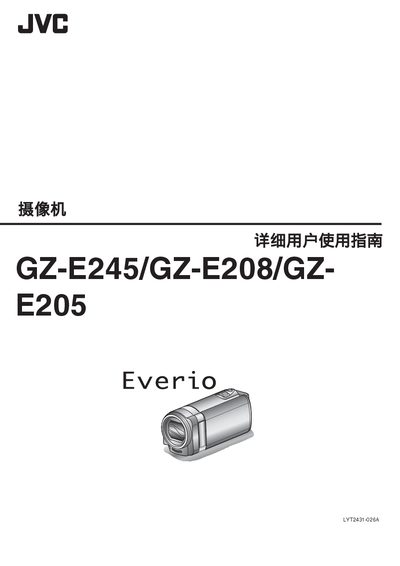
This manual guides users of the JVC GZ-E245, GZ-E208, and GZ-E205 camcorders through basic operation, charging, recording, and playback. It includes step‑by‑step instructions for using the LCD monitor, menu functions, and various shooting modes such as automatic, face‑capture, and interval recording.
The guide also covers connectivity options (HDMI mini, AV, USB), accessory setup (batteries, AC adapters, tripods), and detailed specifications like video resolution, audio format, and power requirements. Helpful shooting tips for travel, weddings, and holidays are provided to improve video quality. This manual is written in Chinese.
| Interface | AC adapter (AC-V10M) |
|---|---|
| HDMI | Mini HDMI connector |
| Power Input | AC110V–240V, 50/60 Hz |
| USB | Mini USB, USB 2.0 compatible |
| Dimensions | 83 mm × 28 mm × 40 mm (W × H × D) |
| Weight | ≈ 779 g |
| Video Recording Format | AVCHD |
| Video Codec | AVC/H.264 |
| Video Resolution | 1920 × 1080 pixels |
| Audio Format | Dolby Digital 2‑channel |
| Audio Sample Rate | 48 kHz, 256 kbps |
| Battery Capacity | 860 mAh |
| Operating Temperature | 0 °C to 40 °C |
Use the JVC AC adapter (100 V–240 V) to charge the battery; recording cannot be performed while the adapter is connected for charging.
Connect the camcorder to a TV via the mini HDMI connector or the AV output cable.