
This document is the instruction manual for GR-FX505, GR-FX405, GR-FX305
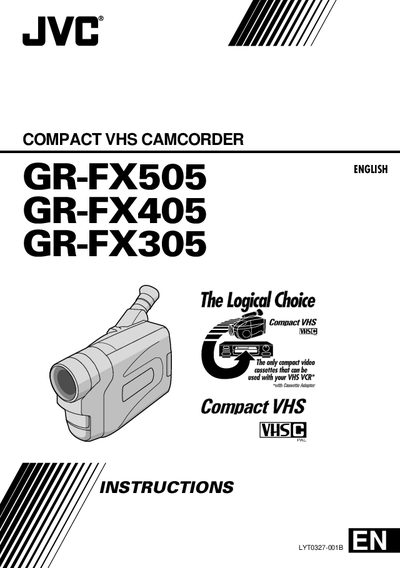
This manual covers safety precautions, battery handling, power options, and basic and advanced operating procedures for the JVC GR-FX505, GR-FX405 and GR-FX305 compact VHS camcorders. It explains how to set up the device, use the various recording modes, and adjust settings such as date, time, and picture stabilization.
The guide also lists the supplied accessories, compatible battery packs, and detailed technical specifications. Users will find step‑by‑step instructions for menu navigation, battery refresh, and connecting external power sources, as well as a quick reference for recording times and tape length settings.
| Video format | VHS PAL standard |
|---|---|
| Operating temperature | 0°C to 40°C |
| Power source | DC 6.0 V |
| Dimensions | 91 mm (W) × 119 mm (H) × 198 mm (D) |
| Tape speed | 40.5 mm diameter |
| Recording time (SP mode) | 60 minutes |
| Recording time (LP mode) | 120 minutes |
| Compatible battery packs | BN‑V12U, BN‑V20U, BN‑V856U |
Press the Select Dial, rotate it to highlight “DATETIME”, then select the date fields (year, month, day) and press the dial; repeat for the time field and press the dial again to confirm.
Attach the battery pack to the AC Power Adapter/Charger, press the REFRESH button; the REFRESH indicator lights while the pack discharges and turns off when complete.
The camcorders accept the BN‑V12U, BN‑V20U, and BN‑V856U lithium‑ion battery packs.
In SP mode the camcorder records up to 60 minutes, while LP mode extends recording to 120 minutes.