
GZ-HD620 is a high-definition camcorder from JVC. The product has 620 million effective pixels, supports AV input, can be connected to TVs and other devices, can record high-definition video, and can also be connected to displays via HDMI. The product also supports YouTube™ video sharing and is a very good high-definition camcorder.
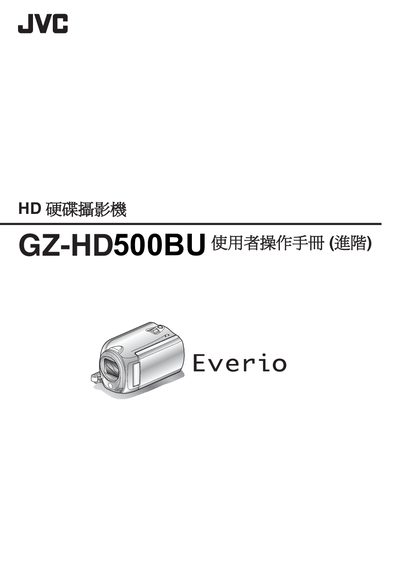
This manual introduces the basic operation of the GZ‑HD500BU camcorder, including preparation steps, button functions, shooting modes, focus assistance, exposure, white‑balance, and special effects. It also offers practical shooting tips for everyday scenes, travel, weddings, and family events.
The guide covers file management such as playback, editing, creating playlists, and exporting videos to DVD or VCR. It explains how to connect the camera to external devices via HDMI, AV or mini‑HDMI cables, and provides battery, charger, and power‑supply information for domestic and international use. A specifications section lists the battery model and dimensions. This manual is written in Chinese.
| Battery model | CBN‑VG114U |
|---|---|
| Battery capacity | 1400 mAh |
| Battery dimensions (mm) | 31 × 21.5 × 43 |
| Battery weight | 40 g |
Select the format option for the HDD or SD card from the menu to erase and prepare the storage.
Yes, choose the YouTube format option when recording to create a video suitable for uploading to YouTube.