
This is the instruction manual for the Panasonic GR-SXM86ED/SXM85ED/SXM76ED/SX56ED/GR-FXM66ED/GR-FX36ED VHS PAL 625 camcorder.
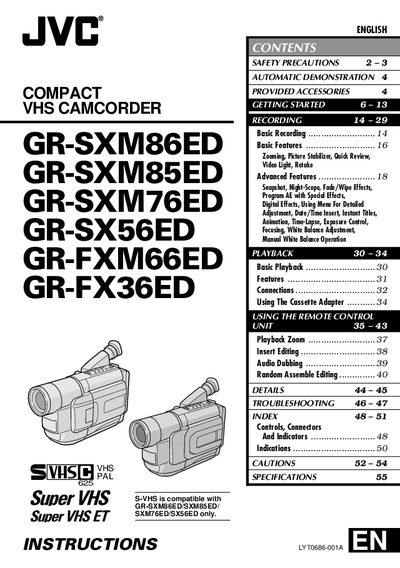
This manual covers safety precautions, getting started, and basic operation of JVC compact S‑VHS camcorders. It explains how to use the remote control, power options, battery pack handling, and core filter installation, as well as troubleshooting tips.
Detailed sections describe power supply choices (AC adapter or battery pack), charging procedures, battery maintenance, accessory connections, and full technical specifications such as format, power consumption, dimensions, weight, and recording times for each model.
| Power source (AC Adapter) | DC 11 V |
|---|---|
| Power source (Battery pack) | DC 6 V |
| Power consumption | 4.0 W (GR‑SXM86ED/GR‑SXM85ED/GR‑SXM76ED/GR‑FXM66ED) |
| Dimensions | 200 mm × 112 mm × 118 mm (most models) |
| Weight | Approx. 910 g (GR‑SXM86ED/GR‑SXM85ED) |
| Maximum recording time (SP mode) | 60 minutes |
| Maximum recording time (LP mode) | 120 minutes |
Insert the battery pack, set the Power Switch to OFF, connect the AC adapter and power cord, then plug the cord into an AC outlet; the CHARGE lamp will blink while charging and stay solid when finished.
Do not expose the camcorder or AC adapter to rain or moisture, keep ventilation holes clear, avoid using the unit in bathrooms or near liquids, and disconnect the power before opening the cabinet.
Release the stoppers, run the cable through the filter leaving about 5 cm, wind the cable around the filter, close the filter until it clicks, then connect the cable end to the camcorder.
Yes, the camcorder is designed for PAL‑type colour television signals and cannot be used for playback on a television of a different standard.