
This is a JVC digital video camera instruction manual, covering power, grip adjustment, viewfinder adjustment, shoulder strap attachment, tripod mounting, loading/unloading a cassette, date/time settings, recording mode setting, etc.
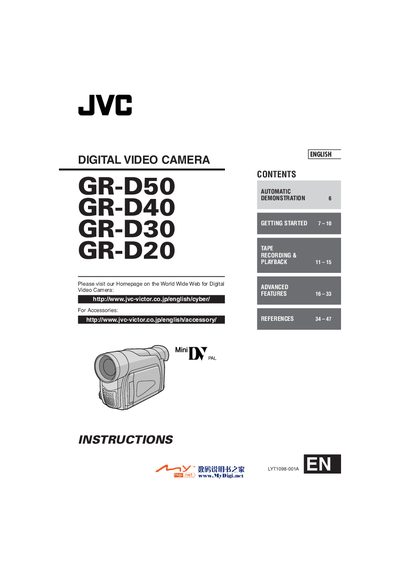
This manual covers safety precautions, basic setup, and operation of the JVC GR‑D50/D40/D30/D20 digital video camcorder. It includes instructions for attaching accessories, loading tapes, adjusting settings, and using the remote control unit.
Additional sections describe battery pack charging, power‑adapter usage, menu navigation, tape recording and playback functions, troubleshooting tips, and technical specifications.
| Charging time (BN‑V408U) | approx. 1 hr 30 min |
|---|---|
| Charging time (BN‑V416U) | approx. 3 hrs |
| Charging time (BN‑V428U) | approx. 5 hrs |
| Recording time LCD (BN‑V408U) | 1 hr 10 min |
Place the provided lens cap on the camcorder so that it is flush with the camera, ensuring the arrow points upward.
Do not expose the camcorder to rain or moisture to prevent fire or shock hazards.
Slide the battery pack down slightly while pressing the release button, then pull the pack away from the camcorder.