
This manual introduces the basic operations of the JVC HD memory camera GZ-HM50 and GZ-HM30, including charging, recording, and playback.
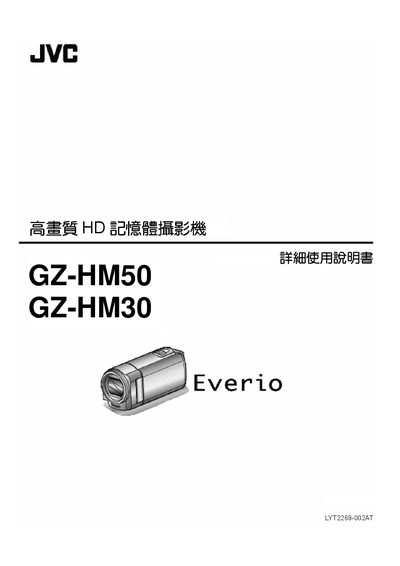
This manual covers everything you need to know to operate the JVC GZ‑HM50 and GZ‑HM30 HD memory cameras. It starts with a beginner’s guide, explains how to charge the device with a USB cable or AC adapter, and walks you through recording modes, playback functions, and useful shooting tips for events such as holidays, weddings, and travel.
Later sections detail camera settings (zoom, focus, white balance, back‑light compensation), connection options (HDMI, AV, USB), editing and copying files, regular maintenance, and a full specifications table. The final chapter provides troubleshooting steps for common errors like battery issues, memory‑card problems, and formatting failures. This manual is written in Chinese.
| Power supply (AC adapter) | 5.2 V DC |
|---|---|
| Battery voltage | 3.5 V – 3.6 V |
| Power consumption (display brightness 3) | 2.2 W |
| Dimensions (W × H × D) | 50.5 mm × 55 mm × 110.5 mm |
| Weight (camera only) | ≈185 g |
| Operating temperature range | 0 °C – 40 °C |
| Image sensor | 1/5.8" 1.5 MP progressive‑scan CMOS |
| Video recording format | AVCHD Lite 1280 × 720 p |
| Optical zoom | Up to 40× |
| Digital zoom | Up to 200× |
| LCD screen | 2.7" diagonal, 230 K pixels |
| Recording media | 8 GB internal memory, SDHC/SDXC cards |
| HDMI output | Mini‑HDMI connector |
| USB interface | Mini‑USB B, USB 2.0 compatible |
The camera supports SDHC and SDXC cards; compatible cards are listed in the “可使用的 SD卡類型” section.
Select the “格式化內建記憶體” option in the Media Settings menu to erase all data on the internal memory.