
Hard disk camera instruction manual, introduces the preparation work before using the camera, recording, re-recording, playback, editing/printing, menu settings and other content
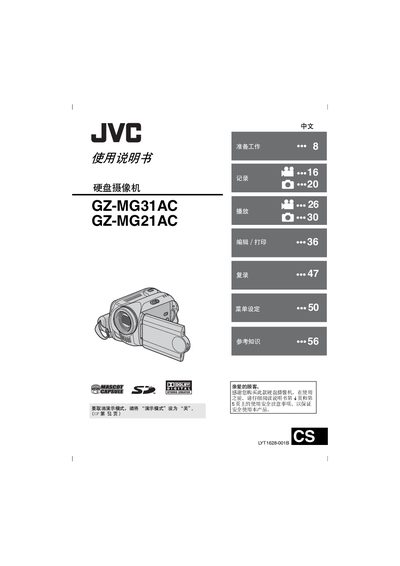
This manual covers safety precautions, power and battery handling, and preparation steps such as formatting the built‑in hard drive or SD card before use. It explains how to operate the camcorder, including menu settings, video and still image recording, zoom, LED lamp, and playback functions.
Additional sections describe accessory installation (strap, lens cap, cable filter), SD‑card compatibility, battery specifications, and detailed specifications of the device. Troubleshooting tips and reset procedures are provided for abnormal operation. This manual is written in Chinese.
| Power supply (AC adapter) | DC 11 V, 1 A |
|---|---|
| Battery voltage | DC 7.2 V |
| Power consumption | ≈ 3.9 W (LED on) |
| Dimensions (W × H × D) | 68 mm × 69 mm × 109 mm |
| Weight (without battery) | ≈ 340 g |
| Operating temperature | 0 °C to 40 °C |
| Video recording format | MPEG‑2, PAL |
| Maximum video resolution | 720 × 576 pixels |
| Audio format | Dolby Digital (stereo) |
| LCD monitor size | 2.5 inch diagonal |
Format the built‑in hard drive or the SD card before first use.
Only JVC batteries model BN‑VF707U, VF714U or VF733U should be used; other batteries may damage the charging circuit.
Reset the camcorder as described in the troubleshooting section.