
Miniket Photo VP-MS10/11/12/15 are digital cameras with 2.0 Mega Pixel CMOS sensor and 3.0-inch TFT LCD. They have features like auto focus, digital special effects, USB and SD card interface.
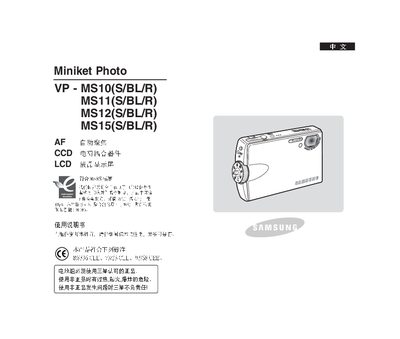
This manual covers the Samsung Miniket Photo series, including the VP‑MS10, MS11, MS12 and MS15 all‑in‑one cameras. It explains safety precautions, battery handling, and proper storage to ensure reliable operation.
Key sections describe how to insert a mini‑SD memory card, adjust display and audio settings, use recording modes, and perform basic maintenance such as battery charging and cleaning. The document also provides troubleshooting tips and contact information for Samsung service centers. This manual is written in Chinese.
| Battery requirement | Samsung approved genuine batteries |
|---|---|
| Display | LCD |
Only Samsung‑approved genuine batteries may be used; non‑genuine batteries can cause overheating, fire, or explosion and Samsung is not responsible.
Connect the charger to the battery compartment and follow the charging indicator instructions.