
This document describes the features and characteristics of the AF CCD LCD VP-D963(i)/D964W(i)/D965W(i) series products.
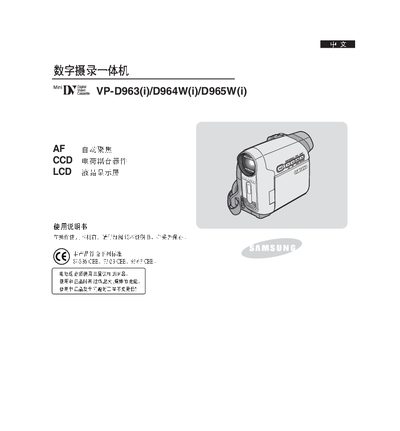
This manual explains how to operate the Samsung VP‑D963, D964W, and D965W camcorders, covering basic functions such as recording, playback, and image settings. It also details the included accessories, battery installation, and connection options like IEEE‑1394 and USB for transferring video to a PC.
Safety precautions are highlighted, including temperature limits for the battery pack, proper handling of the LCD screen, and the importance of using only Samsung‑approved batteries and parts. The document also describes the camcorder’s features such as a 10‑megapixel CCD sensor, 1200× digital zoom, and built‑in lighting. This manual is written in Chinese.
| Digital zoom | 1200× |
|---|---|
| Display aspect ratio | 16:9 |
| Built‑in storage (VP‑D965W only) | 64 MB |
| Supported memory cards | Memory Stick Duo, Memory Stick PRO, MMC, SD |
| LCD type | Color TFT LCD |
| Battery type | SB‑LSM30 battery pack |
It uses the Samsung SB‑LSM30 battery pack.
Using non‑Samsung batteries may cause overheating, fire, or explosion, and Samsung is not responsible for any resulting damage.