
This manual provides a detailed description of the VP-D93(i)/D97(i)/D99(i) digital camcorder, including operating instructions and other information.
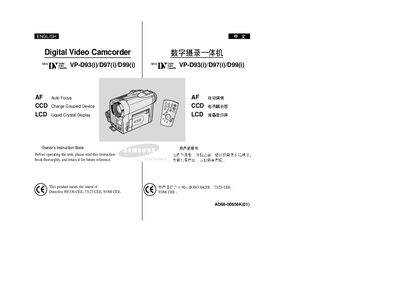
This manual covers safety instructions, handling of the LCD screen, battery care, and environmental precautions. It explains how to install batteries, use the remote control, connect power sources, and protect the camcorder from moisture and high temperatures.
Detailed sections describe basic and advanced recording functions, photo and video playback, memory‑stick management, smart shoe accessories, and troubleshooting steps. Connectivity options such as IEEE‑1394, USB, and TV output are also explained, along with a specifications summary.
Rotate the LCD screen carefully as illustrated to avoid damaging the hinge.
Make sure the battery pack is fully charged before starting to record.
No, do not leave the camcorder exposed to high temperature (above 60°C or 140°F).
Use a dry‑type cleaning cassette; do not use a wet‑type cassette.