
This document is a user manual that describes the features and usage of the AF Sports Camcorder CCD Charge Coupled Device LCD Liquid Crystal Display Camera Memory VP-MM10S(BL)/MM11S(BL)/MM12S(BL).
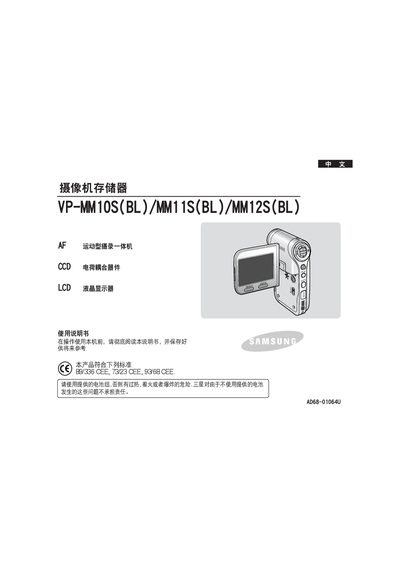
The VP‑MM10S, VP‑MM11S and VP‑MM12S are all‑in‑one video cameras equipped with a CCD image sensor, LCD display and built‑in battery pack. The manual explains how to install the battery, operate the camera, adjust settings, and maintain the device safely.
The guide is organized into sections covering safety precautions, battery installation and charging, LCD display functions, recording and playback options, MP3 and voice recording, USB connectivity, and cleaning and maintenance procedures. It also lists the applicable European safety standards and provides contact information for Samsung service centers worldwide. This manual is written in Chinese.
| Image sensor | CCD |
|---|---|
| Display | LCD |
| Battery | Use provided battery pack |
| Standards | 89/336 CEE, 73/23 CEE, 93/68 CEE |
Use the provided battery pack; using other batteries may cause overheating, fire, or explosion.
Clean the camera with a dry soft cloth and avoid any solvents.
Select the reset option in the menu to restore the camera to its default settings.