
This document is the owner's instruction book for the Samsung DVD Camcorder VP-DC161(i)/DC161W(i)/DC161WB(i)/DC163(i)/DC165W(i)/DC165WB(i), describing the features and characteristics of the product.
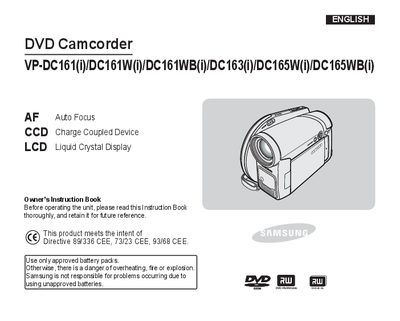
This manual covers safety precautions, battery usage, and basic operation of the Samsung VP-DC161 series DVD camcorders, including LCD screen rotation, viewfinder handling, and initial menu settings. It also details how to insert and remove discs, use memory cards, and connect accessories such as remote controls and printers.
Advanced features such as recording modes, digital effects, playlist creation, PictBridge printing, USB interface functions, and maintenance procedures are explained. The troubleshooting section helps resolve common issues, and the specifications list power source requirements and approved battery types.
| Battery | Use only approved battery packs |
|---|---|
| Power Sources | United Kingdom Only |
No, you must use only approved battery packs; using unapproved batteries can cause overheating, fire, or explosion.
Open the LCD screen 90 degrees with your finger and rotate it to the desired angle; you can rotate it 180 degrees to face the lens side for playback.
Use a soft cloth, clean gently from the centre outward, and avoid chemicals such as benzene, thinner, detergent, alcohol, or anti‑static spray.