
This is a user manual for a digital camera, which introduces the use of the camera, function characteristics and so on.
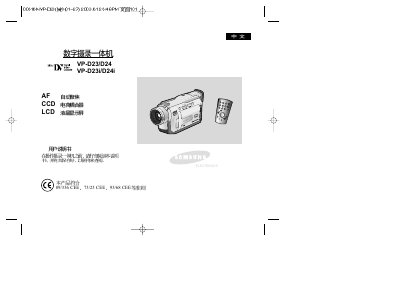
This manual covers the operation of Samsung's VP-D23/D24 and VP-D23i/D24i digital videography cameras. It explains the functions of the self‑timer, recording controls, playback, and various on‑screen display options.
Key sections describe image settings such as white balance, digital zoom, and image stabilization, as well as audio/video mode selection, date‑time configuration, power management, and connectivity options like USB and IEEE‑1394 i.LINK.
| Lens | 10x optical zoom, F1.4 aperture |
|---|---|
| Display | 0.24" B/W LCD |
| Power Input | 100‑240 V AC, 50/60 Hz |
| Power Consumption | 5.0 W (3.9 W standby) |
| Dimensions | 156 mm × 90 mm × 58 mm |
| Weight | 1.21 lb (500 g) |
Press the START/STOP SELF TIMER button to activate or cancel the self‑timer function.
Select the WHITE BALANCE option in the menu to change the white‑balance setting.