
eServer is a PC software used to collect information from HMI or PLCs (or other devices) connected to HMI through a network.
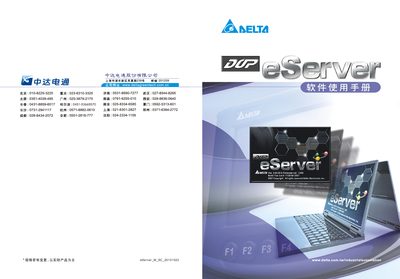
This manual introduces the DOP-eServer software, which connects HMI devices to PCs and supports data exchange via Excel, ODBC, and various databases. It explains the purpose of the software and the overall workflow for creating reports and managing data.
The guide covers safety precautions, hardware and software requirements, step‑by‑step setup of Excel, ODBC, Access, MySQL and Oracle connections, recipe configuration, and HMI compatibility. Appendices detail screen editor functions and data upload/download procedures. This manual is written in Chinese.
| CPU requirement | Pentium 1.6 GHz or higher |
|---|---|
| Memory requirement | 1 GB or more |
| Disk space | 30 MB or more |
| Display resolution | 1024 × 768 or higher |
| Supported operating systems | Windows 2000, Windows XP, Windows Vista, Windows 7 |
DOP‑eServer runs on Windows 2000, Windows XP, Windows Vista, and Windows 7.