
eRemote is a remote monitoring software that allows you to use PC to display and operate the same screen as the human machine on the site via Ethernet network, no matter where you are, you can quickly grasp the on-site situation.
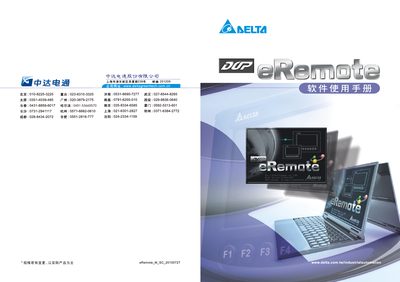
This manual explains how to install and operate Delta's eRemote software, which enables remote monitoring and control of HMI devices over Ethernet. It covers software installation, firmware updates, connection setup, and data upload/download procedures.
The software supports specific Delta HMI models including DOP-AE and DOP-B series, and requires a Windows PC with specified hardware and OS compatibility. This manual is written in Chinese.
| Supported HMI Models | DOP-AE57BSTD, DOP-AE57GSTD, DOP-AE57CSTD, DOP-AE80THTD1, DOP-AE10THTD1 (with DOP-EXLNHJ1AE module), DOP-B series |
|---|---|
| Operating System | Windows 2000/Windows XP/Windows Vista/Windows 7 |
| Hardware Requirements | Pentium 4 2GHz or higher, 1GB RAM, 50MB disk space, 1024x768 resolution monitor |
eRemote supports DOP-AE57BSTD, DOP-AE57GSTD, DOP-AE57CSTD, DOP-AE80THTD1, DOP-AE10THTD1 (with DOP-EXLNHJ1AE module), and DOP-B series models.
It is used to display and operate HMI screens remotely via Ethernet.
A Pentium 4 2GHz or higher processor is required.
Windows 2000, Windows XP, Windows Vista, and Windows 7.