
This document describes the access to RAM and ROM in PAL-Dic047, including read, write and erase operations.
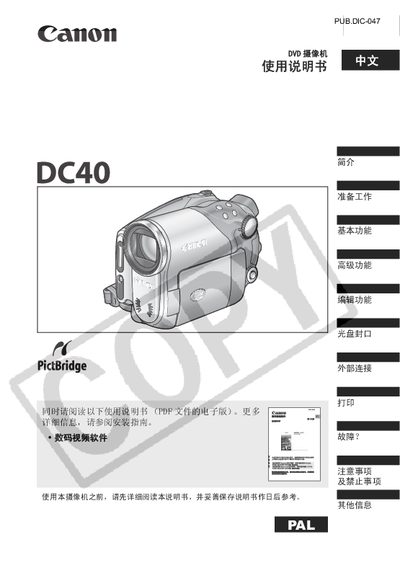
This manual introduces the Canon DC40 camcorder, covering preparation steps, basic functions such as recording and playback, and advanced features like night scene and exposure programs. It also details editing capabilities, disc sealing, and how to manage still images and video clips.
Additional sections describe external connections to TVs and computers, printing still images, troubleshooting tips, safety precautions, and optional accessories. The document ends with system overview, maintenance information, and contact details. This manual is written in Chinese.
| Supported disc types | 8 cm DYD‑R and DVD‑RW |
|---|---|
| Memory card slot | miniSD card |
| SCART adapter | SCART connector |
The camcorder works with 8 cm DYD‑R discs and standard DVD‑RW discs.
DYD‑R discs can be recorded only once, while DVD‑RW discs can be recorded repeatedly.
Yes, the camcorder must initialize a newly purchased DVD‑RW disc before its first recording.
Use the external connection port to link the camcorder to a television and play back video on the TV screen.