
The document describes the features and characteristics of the Mini Digital Video Cassette HD product.
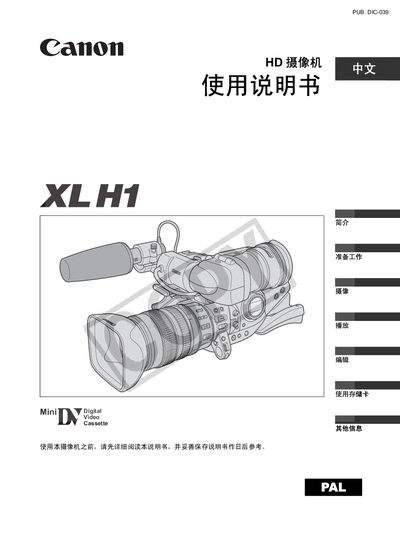
This manual explains how to safely set up the Canon XL H1 camcorder, including battery installation, attaching the supplied 4.5‑108 mm L IS II zoom lens, inserting SD or MMC cards, and connecting optional accessories such as the wireless remote. It also covers configuring video signal standards (HDV or SD) and recording formats.
Detailed sections describe camera operation modes, menu navigation for time zone and date settings, exposure and white‑balance controls, playback functions, and maintenance procedures. A troubleshooting guide and specifications summary are provided at the end of the document. This manual is written in Chinese.
| Recording standard | HDV or DY |
|---|---|
| Power source | Two AA (R6) batteries |
| Battery charger | CA‑920 charger |
| Storage media | SD or MultiMediaCard (MMC) |
| Wireless remote | Supported |
| Auto exposure offset | Supported |
The camcorder is powered by two AA (R6) batteries.
The camcorder accepts SD cards or MultiMediaCard (MMC) cards.