
This file introduces an edge device based UAV monitoring system. The system integrates edge computing, UAV control, vision processing and sensor fusion technologies, which can realize remote control, real-time monitoring and autonomous obstacle avoidance of UAVs.
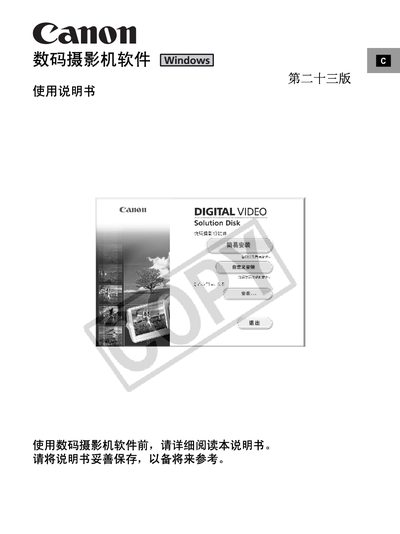
This manual explains how to install and use the Canon Digital Video Camera software on a Windows PC. It covers system requirements, installation procedures, and the main functions such as image download, viewing, editing, printing, and adding sound to still images.
The guide also includes troubleshooting tips, safety notices, and legal information. Detailed instructions are provided for each software component, including ZoomBrowser EX, Canon DV TWAIN driver, and CameraWindow. This manual is written in Chinese.
| Supported Operating Systems | Windows 98, Windows Me, Windows 2000, Windows XP |
|---|---|
| CPU Requirement | Pentium 500 MHz or higher |
| Memory Requirement | 128 MB or higher (Win 98/Me); 256 MB or higher (Win 2000/XP) |
| Hard Disk Space | 200 MB or higher for ZoomBrowser EX; 25 MB or higher for Canon DV drivers |
| Display Resolution | 1024 × 768 pixels or higher, 16‑bit color |
A PC must run Windows 98, Me, 2000, or XP, have a Pentium 500 MHz CPU or faster, at least 128 MB RAM (256 MB for newer OS), 200 MB free disk space for ZoomBrowser EX, and a display of 1024 × 768 pixels or higher.
Use the "打印" tag; it prints images stored on the memory card directly without needing to download them first.
Select the "为静止图像加上声音" option in the software to attach audio to a still picture.