
This document is the product manual of Infineon, which introduces a new type of DVD-R/RW drive from Infineon. The drive has high reading and writing speed, high reliability and low power consumption.
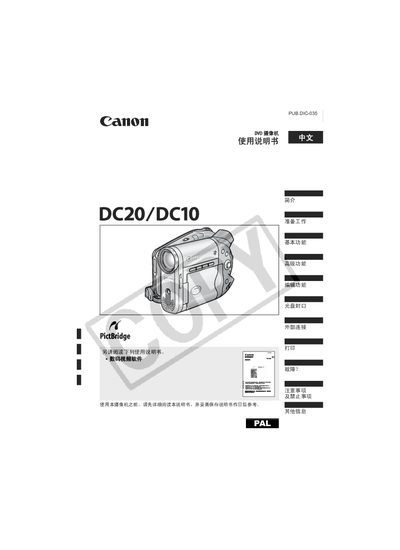
This manual explains how to set up and operate the Canon DC20/DC10 DVD camcorder, including safety precautions, basic functions such as recording, playback, and menu navigation, and advanced features like zoom and focus control. It also covers disc handling, initialization of DVD‑RW media, and steps for configuring date, time, and other settings.
Additional sections describe external connections for printing and video output, troubleshooting tips for common issues, and a specifications table that lists supported disc formats and other technical details. This manual is written in Chinese.
| Playback compatibility | Recorded discs can be played on standard DVD players in Video mode |
|---|
Yes, recorded discs can be played on standard DVD players in Video mode.
The DVD‑RW disc should be initialized before first use.