
This user's manual describes how to use your Canon PIXMA MP140 multifunction machine.
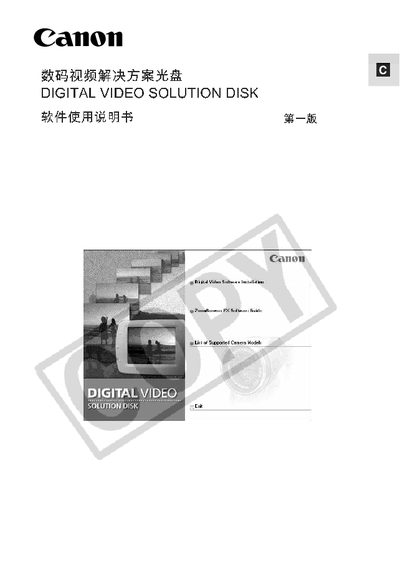
This manual covers the Canon Digital Video Solution software package that includes ZoomBrowser, PhotoRecord, PhotoStitch and related utilities. It describes the CD contents, software components and how to launch each application.
The document also lists supported operating systems, required memory sizes and USB driver installation. Follow the provided steps to install the software on Windows 98, 2000 or XP systems.
| Memory Requirement (Windows 98) | 32 MB |
|---|---|
| Memory Requirement (Windows 2000) | 64 MB |
| Memory Requirement (Windows XP) | 128 MB |
| ZoomBrowser EX size | 120 MB |
A minimum of 128 MB RAM is required for Windows XP.
ZoomBrowser EX occupies about 120 MB on the CD.