
User manual, the title is "User Manual - TP-Link RE450 AC1750 Wireless Range Extender", released by TP-Link, the content includes product features, specifications, installation and connection information.
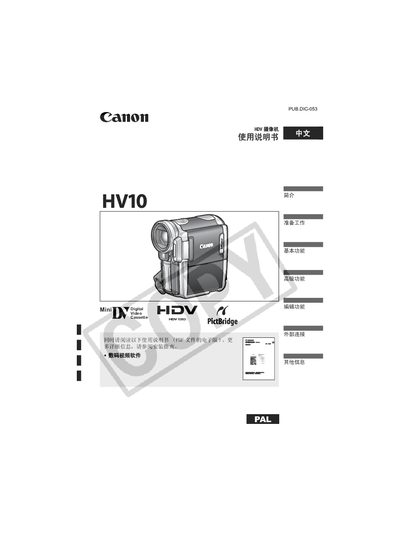
This manual explains how to set up and operate the Canon HV10 HDV camcorder, covering basic functions such as recording video and still images, menu navigation, and advanced features like special shooting modes and image effects. It also details external connections for TV playback, computer transfer, and printing, as well as battery charging and tape handling procedures.
Safety warnings are highlighted, including precautions against electric shock and fire, proper use of accessories, and instructions for servicing. The guide includes a troubleshooting section, system overview, and information on optional accessories and international use. This manual is written in Chinese.
| HDY resolution | 1080 horizontal lines |
|---|
Use the tape insertion and removal steps shown in the manual.
Connect the camcorder to a TV using the external connection options and select the appropriate playback mode.