
Explains the function buttons and function setting methods of MV500i
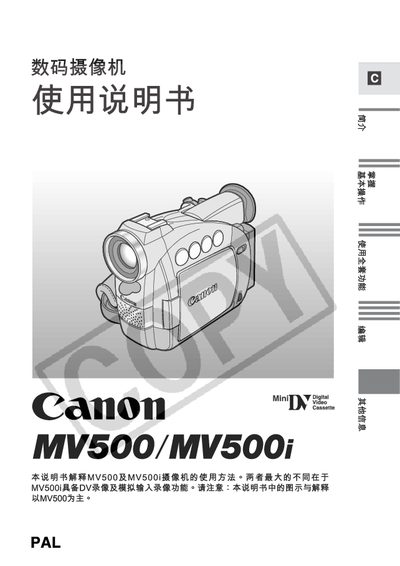
This manual provides detailed instructions for using the Canon MV500 and MV500i camcorders, covering safety precautions, basic shooting functions, zoom, LCD display operation, and menu navigation. It also describes how to set date/time, adjust white balance, and use digital effects.
Additional sections cover connecting the camcorder to a PC with GV‑150F or CV‑250F DY cables, battery handling, accessory options, and a troubleshooting guide with common error solutions. This manual is written in Chinese.
| LCD display size | 2.5 inches |
|---|---|
| Digital zoom | up to 360× |
Use a 3 A BS1362 fuse that is approved by ASTA or BST, and be sure to replace the cover after installing the new fuse.
Connect the camcorder to a PC using a GV‑150F or CV‑250F DY cable, which must be purchased separately.