
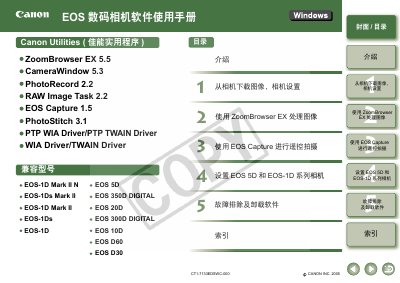
The manual provides step‑by‑step instructions for installing Canon EOS software, setting up communication between the camera and a PC, and using the included utilities such as ZoomBrowser EX, CameraWindow, RAW Image Task and EOS Capture. It also covers troubleshooting, driver removal and system requirements.
Key functions include downloading images, remote shooting, image editing, batch renaming, printing, and exporting images as wallpapers or screen savers. System requirements, software configuration, and detailed connection procedures for USB and IEEE1394 interfaces are also described. This manual is written in Chinese.
| Supported Operating Systems | Windows XP (Professional/Home), Windows Me, Windows 2000, Windows 98SE |
|---|---|
| CPU | Pentium 500 MHz or higher |
| RAM | 256 MB minimum for Windows XP/2000, 128 MB for Windows Me/98SE |
| Hard Disk Space | 300 MB or more for EOS Capture |
| Interface | USB 1.1‑2.0 high‑speed, IEEE1394 |