
This document is a guide to the settings and configurations of 775XFire-eSATA2 BIOS P1.00. The document provides detailed information about the main setup menu, advanced setup menu, and CPU setup menu. It also includes hardware information such as processor type, processor speed, memory capacity, and cache size.
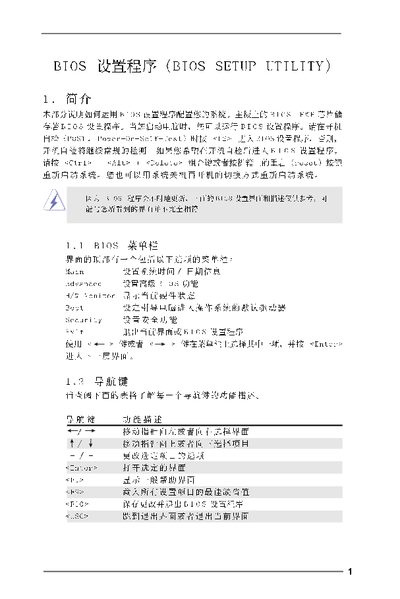
This manual explains how to navigate and configure the BIOS Setup Utility, covering the main screen, advanced options, CPU and chipset settings, ACPI power management, IDE configuration, security features, and exit procedures. It provides step‑by‑step instructions for changing settings, loading defaults, and saving or discarding changes.
The document is organized by screen sections, each describing the available options and the key combinations (F9, F10, ESC, etc.) needed to modify or confirm settings. It also includes warnings about incorrect values that could cause system malfunction. This manual is written in Chinese.
| Cache Size | 1024KB |
|---|---|
| Installed Memory | 256MB |
| DDR1 Speed | 266MHz |
Press F9 to load the optimal default settings.
It lets you set a supervisor password and a user password, or leave them uninstalled.