
This document is a user manual for the D-Link DSL-2642B. It provides information on package contents, system requirements, features, hardware overview, installation, configuration, and maintenance.
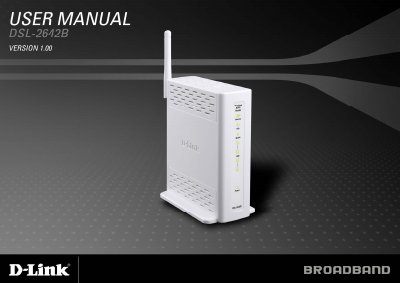
This manual covers the D-Link DSL-2642B wireless ADSL router, describing its hardware components, LEDs, ports, and required system specifications. It guides users through proper placement, power connection, and initial setup steps.
The document is organized into sections on installation, web‑based configuration, wireless settings, advanced features such as NAT, QoS, and parental controls, as well as maintenance, firmware updates, diagnostics, and a full list of technical specifications.
| ADSL Standards | ANSI T1.413 Issue 2, ITU G.992.1 (G.dmt) Annex A, ITU G.992.2 (G.lite) Annex A, ITU G.994.1 (G.hs) |
|---|---|
| Downstream Data Rate (G.dmt) | up to 8 Mbps |
| Upstream Data Rate (G.dmt) | up to 1 Mbps |
| Wireless Transfer Rates (802.11b) | 11, 5.5, 2, 1 Mbps |
Press and hold the reset button for about 5 to 8 seconds while the router is powered on.