
This document introduces the safety instructions and troubleshooting methods for Philips LCD monitor.
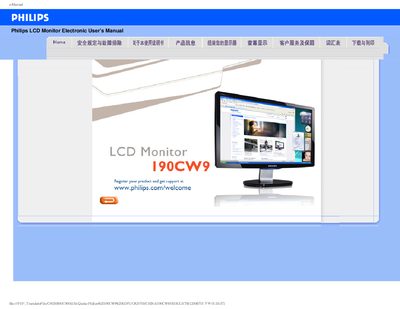
This manual provides safety and troubleshooting information for the Philips 190CW9 LCD monitor, including proper handling, cleaning, and environmental requirements. It also explains how to register the product and obtain support.
The document contains a detailed FAQ section covering common issues such as video mode errors, resolution adjustment, USB connectivity, and screen maintenance, as well as instructions for downloading and installing the monitor driver. This manual is written in Chinese.
| Recommended video mode | 1440x900 @ 60 Hz |
|---|---|
| Operating temperature range | 0‑40 °C (32‑95 °F) |
| Operating humidity range | 20‑80 % RH |
Set the monitor to the recommended video mode of 1440 × 900 @ 60 Hz, then restart the computer and reconnect the monitor.