
Philips mobile phone user manual, introduces the functions and use of the phone.
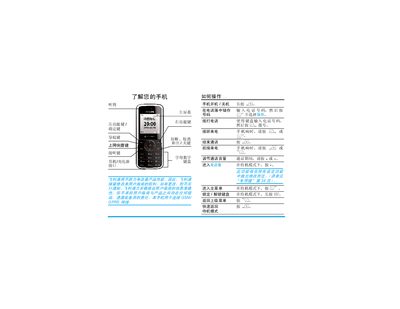
The manual provides step‑by‑step instructions for first‑time use, including SIM card installation, battery insertion, and powering the phone on. It also covers basic operations such as dialing, answering calls, adjusting volume, and using the phonebook.
Additional sections describe the phone's tools and applications, such as calendar, calculator, messaging, call records, GPRS, and WAP functions, as well as safety notices, warranty information, and environmental compliance details. This manual is written in Chinese.
| Charging time | approximately 3 hours |
|---|
Press and hold the ) key to power on the phone.
During a call, press the + or - keys to raise or lower the volume.
Remove the back cover, place the SIM card with the cut‑corner facing the correct direction and metal contacts down, then slide it into the slot until it clicks.
The battery is fully charged after about three hours of charging.