
This file contains the safety and troubleshooting information for Philips LCD monitor. It introduces the safety precautions, maintenance and troubleshooting of the monitor.
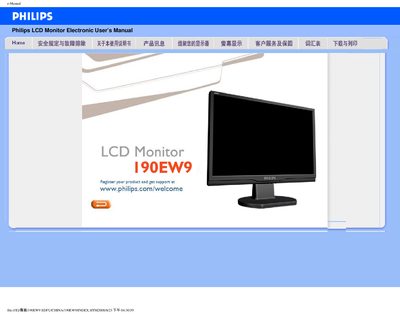
This manual provides safety guidelines, installation steps, and troubleshooting information for the Philips 190EW9 LCD monitor. It includes instructions on connecting the monitor, adjusting display settings, cleaning, and maintenance.
Additional sections cover frequently asked questions, driver installation, and optional wall‑mounting using VESA mounting holes. The document also contains specifications such as operating temperature, humidity range, and recommended video mode. This manual is written in Chinese.
| Operating temperature | 0‑40 °C |
|---|---|
| Operating humidity | 20‑80 % RH |
| Recommended resolution | 1440 × 900 pixels |
| Refresh rate | 60 Hz |
Set the video mode to the recommended 1440 × 900 at 60 Hz.
Open Windows Control Panel → Display Properties and select the desired resolution.
Make sure the AC power cable is securely connected between the monitor and the outlet.
Yes, the back panel has four standard VESA mounting holes for attaching to VESA‑compatible brackets.