
This user guide provides an overview of the basic functions, operations and user tips of your Philips Xenium 9@9q mobile phone.
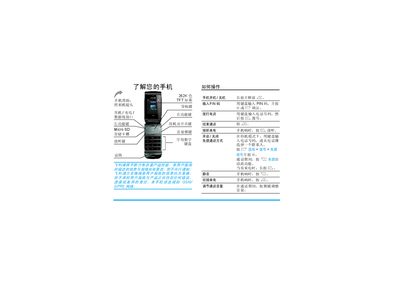
This user guide describes how to operate the Philips Xenium 9@9q mobile phone, covering basic functions such as powering on, dialing, answering calls, and using the keypad, navigation keys, and side volume keys. It also explains the LED indicators, battery warnings, and how to manage SIM and micro‑SD cards.
The manual is organized into chapters that detail first‑time use, calling features, text input methods, entertainment (games, Java, media player), camera operation, messaging, contacts, tools, settings, troubleshooting, and warranty information. Each section includes menu navigation instructions and icon explanations. This manual is written in Chinese.
| Screen | 262K‑color TFT |
|---|---|
| Memory Card Support | Micro SD up to 2 GB |
| Maximum Standby Time | Up to 750 hours |
| Maximum Talk Time | Up to 8 hours |
| Charging Time | Approximately 3 hours |
Press and hold the power key ( ) and then release it.
Full charging takes about three hours.
The phone supports micro‑SD cards up to 2 GB.