
This document provides instructions and setup methods for the JVC HD-Z70RF7 and HD-Z61RF7 HD-ILA TVs, as well as operations for connecting external devices and using advanced features. The document also includes troubleshooting and technical information.
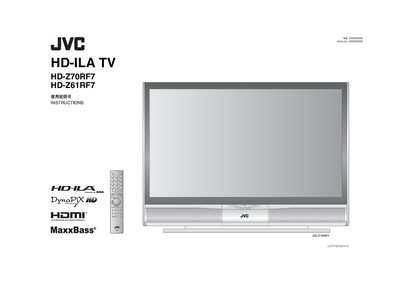
This manual is for the JVC HD-Z70RF7 and HD-Z61RF7 HD-ILA TVs. It covers safety precautions, parts names, basic connections, initial setup, channel registration, external device connections, viewing TV/teletext/video, useful functions, customization, troubleshooting, and technical information.
It also explains projection lamp replacement, including the specified TS-CLI10OC replacement lamp, lamp timer reset, and precautions while the LAMP indicator is flashing. This manual is written in Chinese.
| AC power | 110-240 V, 50/60 Hz |
|---|---|
| Replacement projection lamp | TS-CLI10OC |
| Projection lamp usage before replacement message | 6500 hours |
The manual lists TS-CLI10OC as the replacement projection lamp.
After the projection lamp reaches 6500 hours, a replacement message appears each time the TV is started.
No, the TV cannot be turned off while the LAMP indicator is flashing.
After installing the new lamp, open the menu, choose Settings, select Lamp timer reset, and press OK.