
This is a user manual for a hard disk camcorder, which introduces the main functions and usage methods of the camcorder.
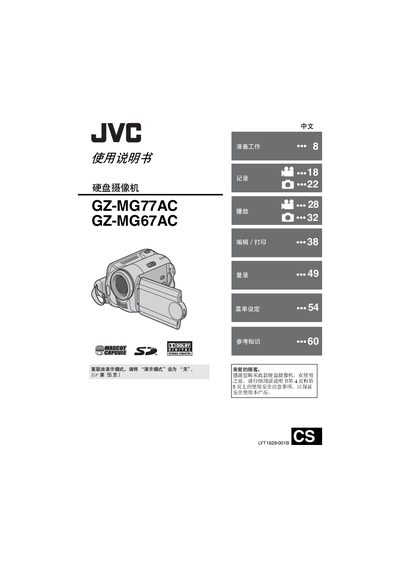
This manual provides step‑by‑step instructions for preparing and using the JVC GZ‑MG67AC hard‑disk camcorder. It covers safety precautions, power setup, language and date settings, and detailed operating procedures for video and still‑image recording, playback, and file management.
Additional sections describe accessory installation, battery handling, SD‑card compatibility, USB and DVD transfer functions, and troubleshooting. A full specifications table lists electrical, mechanical and video/audio parameters of the camcorder. This manual is written in Chinese.
| Power supply (DC) | 11 V (adapter) / 7.2 V (battery) |
|---|---|
| Power consumption | ≈ 4.6 W |
| Dimensions (W × H × D) | 68 mm × 69 mm × 109 mm |
| Weight (without battery) | ≈ 370 g |
| LCD monitor size | 2.7 inches diagonal |
| Image sensor | 1/3.9" CCD (2 180 000 pixels) |
| Lens aperture | F 1.2 – 2.0 |
| Supported video format | MPEG‑2, PAL, SD‑VIDEO |
| Audio format | Dolby Digital (stereo) |
Set the “Demo Mode” switch to “Off”.
Use only JVC batteries model BN‑VF707U, VF714U or VF733U; other batteries may damage the internal charging circuit.