
This document is a user manual for a digital camera, which introduces the usage and precautions of CASIO digital cameras, as well as the installation of accessories and the use of related software. It also provides contact information and copyright information.
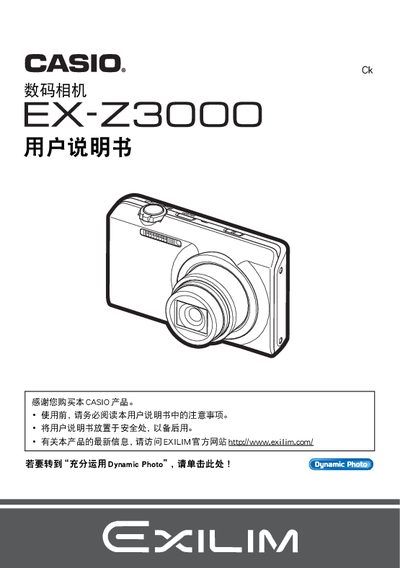
This manual begins with safety precautions and a checklist of package contents, then walks the user through basic operations such as powering on, formatting the memory, and capturing photos. It also explains how to use the LCD panel and basic shooting modes.
Later sections cover advanced features like Dynamic Photo, USB/AV connectivity, Eye‑Fi wireless transfer, and detailed setting adjustments. The guide finishes with troubleshooting advice, firmware update information, and references to related software tools. This manual is written in Japanese.
| LCD panel pixel yield | 99.99% |
|---|---|
| Dynamic Photo image size | 640 x 480 pixels |
Use the format (initialization) function to create a new storage area.
Connect the camera via the USB‑AC adapter or use Eye‑Fi wireless transfer.