
The Casio Electronic Dictionary EW-V5000L is a feature-rich electronic dictionary that includes multiple dictionary query functions and calculation functions. It has multiple dictionaries such as the English-Chinese Legal Terminology Dictionary, College English, Yuanzhao English-American Law Dictionary, and Business English Dictionary, suitable for learning English and legal terminology.
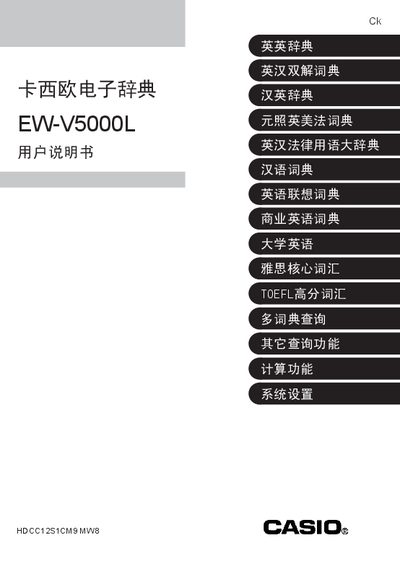
This manual explains how to prepare the Casio EW-V5000L before first use, including installing the two supplied AAA alkaline batteries and adjusting the display contrast. It also covers basic operation such as powering on/off, using the reset button, and navigating the main dictionary screens.
Detailed sections describe the various dictionary functions, including English‑Chinese lookup, fuzzy search, spell check, example sentences, and specialized vocabularies (TOEFL, legal terms, business usage). The guide provides instructions for entering text, selecting different dictionaries, and managing saved word lists and query history. This manual is written in Chinese.
| Battery type | 2 x AAA alkaline batteries |
|---|
Open the battery cover, insert two AAA alkaline batteries with correct polarity, and close the cover.
Press the contrast up/down keys on the main screen to set the desired contrast level.
Enter the known part of the word and select the fuzzy search option to find possible matches.