
This document is a basic user manual that explains how to start and set up the 1 2 1 2 1 2 GB notebook computer from the Basic brand. It also provides information about the appearance and features of the notebook.
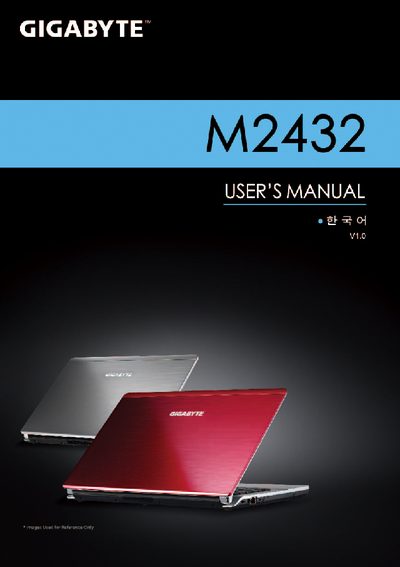
This manual covers the basic operation of the Gigabyte M2432 laptop, including safety warnings, power management, and how to use the built‑in Smart Recovery and Smart Setup utilities. It also explains the hardware layout, supported storage cards, and connectivity options.
Detailed specifications such as CPU type, operating system, display, memory, storage, battery, dimensions, and weight are listed, helping users understand the capabilities of the device and how to configure it for optimal performance.
| CPU | Intel® Core™ Processor |
|---|---|
| Operating System | Microsoft® Windows® 7 |
| Display | 14" 1366x768 LED LCD |
| Memory | DDRIII SO‑DIMM 2 slots (Max 4GB × 2) |
| Hard Disk Drive | 2.5" SATA HDD 5400 rpm (500‑750 GB) |
| Optical Drive | Slim‑Body DVD Super Multi Dual‑Layer |
| Audio | 1.5 Watt speakers (2) with internal microphone |
| Supported Storage Cards | SD, MMC, Memory Stick, Memory Stick PRO |
| Battery | Li‑polymer 3600 mAh, 11.1 V, 39.96 Wh |
| Dimensions | 328.3 mm × 230 mm × 26.7 mm (W × D × H) |
| Weight | ~1.8 kg |
The M2432 supports Secure Digital (SD), Multi Media Card (MMC), Memory Stick (MS), and Memory Stick PRO (MS PRO) cards.
The laptop measures 328.3 mm × 230 mm × 26.7 mm (W × D × H) and weighs approximately 1.8 kg.
The M2432 is compliant with Microsoft® Windows® 7.
It uses a Li‑polymer battery rated at 3600 mAh, 11.1 V, and 39.96 Wh.