
This quick start guide introduces the usage of GIGABYTE M2432 notebook, including battery installation, power connection, power on operation, physical introduction, and quick key instructions.
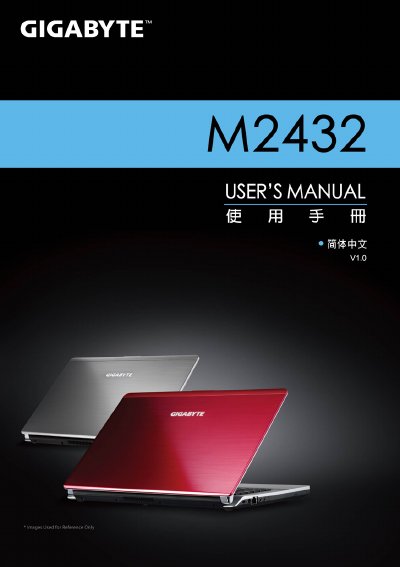
This guide walks you through the initial installation of the battery, power adapter, and first‑time startup of the Gigabyte M2432 notebook. It also explains the use of quick‑key functions and the Smart Manager utilities that help configure BIOS, system recovery, and power settings.
The document includes a hardware overview with details on the processor, display, memory, storage, ports, wireless connectivity, camera, battery, dimensions and weight. It also describes the Smart Switch for switching Windows bit versions and the Smart Charge feature for USB power management. This manual is written in Chinese.
| Processor | Second‑generation Intel® Core™ processor |
|---|---|
| Display | 14" 16:9 HD Ready LCD, 1366×768 resolution |
| Memory | DDRIII SO‑DIMM, 2 slots, up to 8 GB |
| Storage | 500/640/750 GB 2.5" SATA HDD, 5400 rpm |
| Battery | Li‑polymer, 3600 mAh, 11.1 V, 39.96 Wh |
| Dimensions | 328.3 mm × 230 mm × 26.7 mm |
Insert the battery and push the latch to the LOCK position.
Use the GIGABYTE Smart Switch program to select the desired bit version and follow the prompts.
It keeps USB ports powered while the laptop is in sleep mode and can stop charging when the battery falls below a set level.