
This manual will help you get started with setting up your notebook.
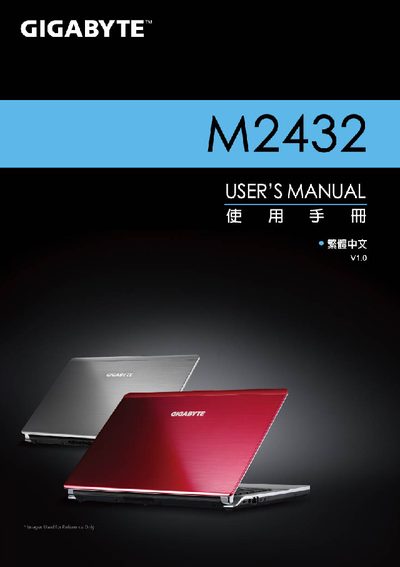
This manual covers the basic operation of the Gigabyte M2432, including installation of the operating system, use of the Smart Manager utilities, and configuration of the Smart Setup and BIOS settings. It also explains how to perform system recovery and provides hardware specifications for the device.
The document includes step‑by‑step guidance for accessing Smart Manager, Smart Setup, and the System Recovery menu, as well as troubleshooting tips and a link to the online FAQ for additional support.
| Display | Full HD Ready LCD Panel, 1366x768 |
|---|---|
| Memory | DDR3 SO‑DIMM, 2 slots |
| Chipset | Intel® HM65 |
| Optical Drive | DVD Super Multi Dual‑Layer |
| Network | 10/100/1000 Mbps Ethernet, 802.11b/g/n Wi‑Fi |
| Dimensions | 328.3 mm (W) × 230 mm (D) × 26.7 mm (H) |
Select "System Recovery" from the Smart Recovery menu, then choose the desired option such as Start, Advanced Option, or Exit.
Choose "BIOS Setup Utility" from the menu to configure BIOS settings.