
This manual introduces safety instructions, connection and use instructions as well as regulatory information for BDL5571V display.
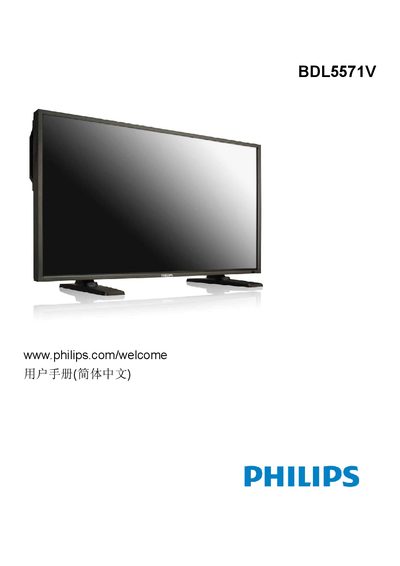
This manual guides users through safe handling, unpacking, and installation of the Philips BDL5571V 55‑inch LCD monitor. It includes important safety warnings, grounding requirements, and environmental disposal information.
The document also details the monitor’s features, input options (HDMI, DVI‑D, VGA, component), OSD menu navigation, pixel‑defect policy, cleaning procedures, and full technical specifications. Troubleshooting steps help resolve common issues such as no image, audio problems, and image distortion. This manual is written in Chinese.
| Screen size (effective area) | 55" LCD (139.7 cm) |
|---|---|
| Aspect ratio | 16:9 |
| Resolution | 1920 × 1080 |
| Brightness (typical) | 700 cd/㎡ |
| Dynamic contrast ratio | 3000:1 |
| Maximum power consumption | 350 W |
| Weight with stand | 42.4 kg |
Unplug the monitor, then wipe the screen with a dry cloth; do not use alcohol, solvents, or ammonia solutions.
Use the Screen (屏幕) menu’s Zoom mode or Custom zoom function to adjust the display geometry.