
This is the user manual of AJ3500 clock radio, which introduces how to use the product.
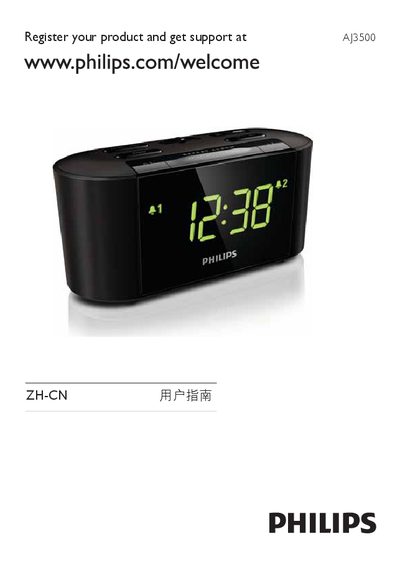
The Philips AJ3500 is a clock radio that lets you listen to FM/MW radio, check the time, set two alarms, and wake up to a buzzer or FM/MW radio. The box contains the main unit with battery and the user manual.
It is powered by AC (about 220 V, 50 Hz), with a pre-installed CR2032 lithium battery that backs up the clock settings. Controls include FM/MW tuning, alarm and radio on/off, sleep timer, clock and alarm setting, brightness/snooze, time zone, 12/24-hour format, DST, and volume. This manual is written in Chinese.
| Rated output power | 0.6 W RMS |
|---|---|
| Tuning range | FM 87.5–108 MHz; MW 520–1620 kHz |
| AC power | About 220 V, 50 Hz |
| Operating power consumption | < 3 W |
| Standby power consumption | < 2 W |
| Dimensions (W x H x D) | 179.5 x 87 x 76 mm |
| Weight (main unit / packed) | 0.5 kg / 0.7 kg |
The main unit (with battery) and the user manual.
In standby mode, press TIME ZONE so the current zone number flashes, then press TIME ZONE repeatedly to set it.
Adjust the volume.
A pre-installed CR2032 lithium battery backs up the clock settings.