
This quick use guide introduces how to configure and use the Phaser 6360 printer. Including printer paper configuration, printer functions and settings.
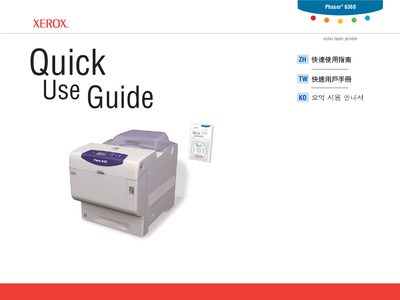
The Quick Use Guide provides step‑by‑step instructions for operating the Xerox Phaser 6360 color laser printer. It explains how to navigate the printer’s menus, select print properties, and use the Xerox driver for basic printing tasks.
Additional sections cover paper‑tray configuration, supported paper sizes and weights, print‑quality troubleshooting, and how to access supplies information and utility software through the Xerox Support Centre. This manual is written in Chinese.
| Rated voltage | 110–127 V~, 50/60 Hz, 10 A |
|---|---|
| Supported paper size (A4) | 210 × 297 mm |
| Paper weight range | 65–216 g/m² (17–40 lb Bond / 50–80 lb Cover) |
Select the Information Pages menu; it prints an information page.
See the Printing Basics chapter in the User Guide for the full paper‑size list.
Use the Supplies Info menu to print the Supplies Usage page or visit the Xerox Supplies website.