
D-Link DWM-110 is a wireless broadband USB network card that meets the IEEE 802.16e-2005 standard, and through the software tool, the network can be set up simply, and enjoy high-speed network connection without being restricted by location. Just a few simple steps, you can start fast surfing!
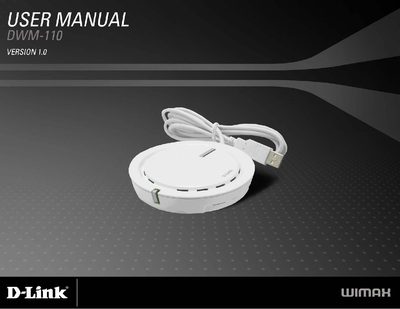
The DWM-110 is a WiMAX USB adapter that enables wireless broadband connectivity for PCs running Windows XP or Vista. This manual describes the product overview, hardware features, and regulatory compliance information.
It includes detailed instructions for installing the DWM Series WiMAX Utility via the InstallShield wizard, a full list of technical specifications such as frequency range and transmit power, and FCC warning statements to ensure proper installation and avoid interference.
| Frequency Range | 2.5 GHz – 2.7 GHz |
|---|---|
| Transmit Power | 23 dBm |
| LED Indicator | Embedded antenna LED Indicator |
| Supported Modulation | QPSK, 16QAM, 64QAM |
| Authentication Protocols | PKMv2, EAP‑TLS, EAP‑TTLS |
| Duplex Mode | TDD (Time Division Duplex) |
| Device Drivers | Windows XP / Vista |
Run the D-Link Setup.exe program and follow the InstallShield wizard prompts to complete the utility installation.
The device operates from 2.5 GHz to 2.7 GHz, covering the IEEE 802.16e‑2005 band.
The DWM-110 provides device drivers for Windows XP and Windows Vista.
The equipment must not cause harmful interference and must accept any interference received; users should follow the FCC warning statements for proper installation.