
zebra 105sl barcode printer is an industrial grade, metal shell barcode printer. It is the replacement model of zebra's classic model 105se. On the basis of 105se, it adds liquid crystal panel control, Zebra Link network connection and larger memory space. Full metal shell, with 3 shift working capacity. Special backup battery (option) can keep the image and text for a long time after the printer is turned off. The built-in rewinder (optional) can rewind the labels with a diameter of 8 inches to prevent dust from being contaminated. Fast 32-bit microprocessor, with simple and easy-to-use ZPLII programming language, can print more labels in a very short time.
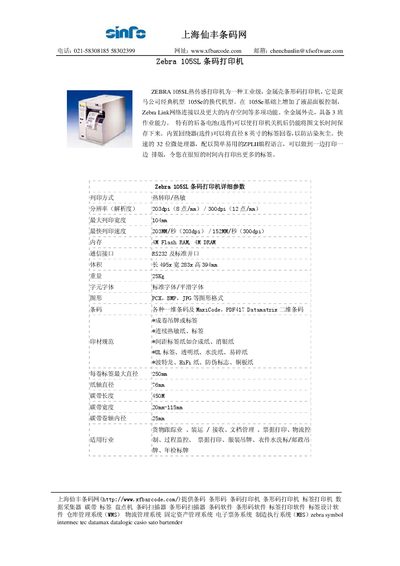
The Zebra 105SL is a full‑metal, thermal barcode printer that adds an LCD control panel, Zebra Link connectivity, and larger memory to the earlier 105SE model. It features a 32‑bit processor and supports high‑speed printing of various barcode formats.
The manual lists key technical data such as printing method, resolution, maximum print width, speed, memory, communication ports, physical dimensions, supported barcode symbologies, and media specifications. This manual is written in Chinese.
| Resolution | 203 dpi (8 dots/mm) / 300 dpi (12 dots/mm) |
|---|---|
| Maximum print width | 104 mm |
| Print speed | 203 mm/s at 203 dpi, 152 mm/s at 300 dpi |
| Communication interface | RS232 (and USB) |
| Dimensions (W × D × H) | 495 × 283 × 394 mm |
| Weight | 25 kg |
It provides an RS232 serial port and a USB interface.
The maximum printable width is 104 mm.