
The ZM400 and ZM600 printers are a high-value, feature-rich printer that can meet the needs of most warehouse/manufacturing and commercial applications. These two printers have a 10-inch/second print speed, industry-leading processing speed, extreme reliability, and a wide range of options to ensure high print efficiency in harsh environments and demanding applications.
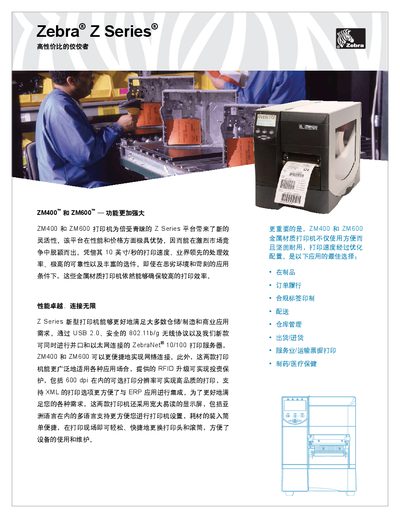
The Zebra Z Series printers (ZM400 and ZM600) deliver high‑speed, high‑resolution printing with robust construction for demanding environments. They support up to 10 inches per second print speed, 600 dpi resolution, and a range of barcode symbologies.
The devices include multiple interfaces such as USB 2.0, 802.11b/g wireless, RS‑422 serial, and ZebraNet 107100. Built‑in memory (8 MB internal, 16 MB DRAM, optional 64 MB) and extensive font support enable flexible label design and integration with ERP systems via XML and ZebraDesigner software. This manual is written in Chinese.
| Print speed | 10 in/s |
|---|---|
| Print resolution | 600 dpi |
| Memory | 8 MB internal, 16 MB DRAM (optional 64 MB) |
| Wireless interface | 802.11b/g |
| Serial interface | RS‑422 |
| Operating temperature range | -40 °C to 104 °C |
| Storage temperature range | -40 °C to 140 °C |
They are capable of printing at a speed of 10 inches per second.