
The QL Series User Guide provides an overview of the features and characteristics of the QL Series products, including printing preparation, battery and charger usage, media loading, operator controls, connection methods, wireless communication, accessory usage, preventive maintenance, and troubleshooting.
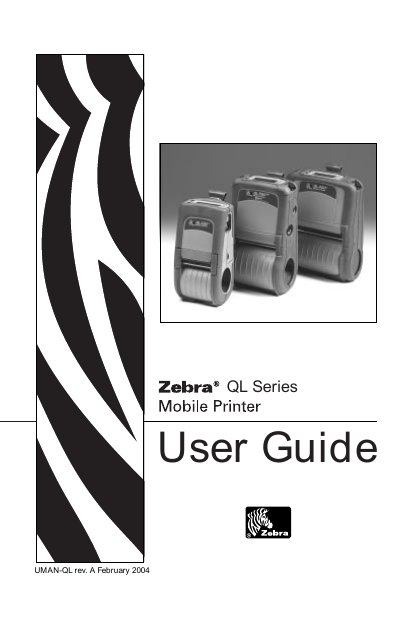
The Zebra QL Series Mobile Printer User Guide provides step‑by‑step instructions for unpacking, installing batteries, loading media, and configuring the printer for wired or wireless communication. It also details the optional accessories, preventive maintenance, and troubleshooting procedures.
The manual includes specifications for printing, memory, label formats, and environmental requirements, as well as regulatory compliance information and contact details for Zebra Technologies support.
The manual includes a "Charging the Battery" section that explains how to charge the printer’s battery.
Refer to the "Loading the Media" section for instructions on installing label rolls and other media.
Wireless communication is covered under "Wireless Communications with Bluetooth™ using ZBR‑2 Radio" and WLAN modules.
The guide provides a step‑by‑step procedure in the "Printing a Configuration Label" section.