
This document is a user guide for a desktop printer, which includes information about the printer's part number, ownership statement, product improvements, FCC compliance statement, and disclaimer.
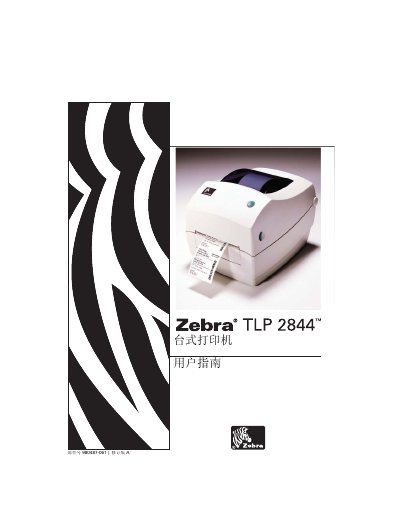
This manual introduces the Zebra TLP 2844 tabletop printer, lists the package contents, and guides users through initial inspection, opening and closing the printer, and loading media and ribbon. It also explains the printer’s operation controls, power switch, and status indicators.
Detailed sections cover printing modes (thermal transfer and thermal sensor), interface requirements (USB, parallel, Ethernet, RS‑232), print quality adjustment, routine maintenance, cleaning procedures, and troubleshooting. Appendices provide pin‑out diagrams for Ethernet and serial connectors and other technical reference data.
| Print technology | Thermal transfer and thermal sensor |
|---|---|
| Serial communication defaults | 9600 baud, 8 data bits, 1 stop bit, no parity |
| FCC compliance | Class B digital device |
Open the printer, place the roll of media in the media compartment, and press the feed button to advance the media.
No. The printer and power supply must not be used in moist conditions to avoid electric shock.
The default settings are 9600 baud, 8 data bits, 1 stop bit, and no parity.