
Zebra Z4M barcode label printer is a high-performance, high-cost-performance barcode label printer suitable for large-scale industrial applications. It has high-speed printing, high resolution, wide range voltage self-adaptation and other characteristics, which can be widely used in industrial production lines, logistics centers, government informationization and other fields.
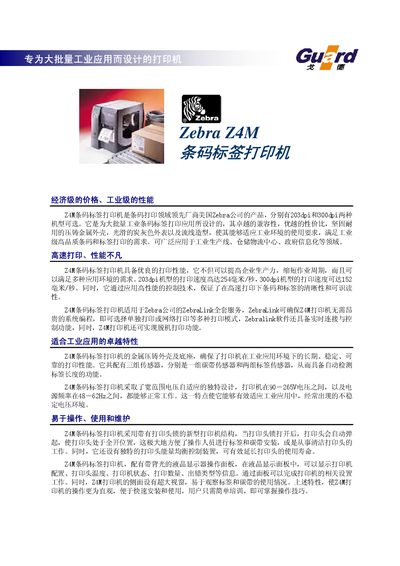
The Z4M barcode label printer is designed for high‑volume industrial applications, offering fast printing speeds, durable metal construction, and automatic label detection. It supports both thermal transfer and direct‑thermal printing and can operate on a wide voltage range (90‑265 V AC, 48‑62 Hz).
The manual explains how to install and configure the printer, use the back‑lit LCD panel, replace the print head and ribbon, and access supported barcode symbologies. It also lists optional accessories such as label cutters and rewinders for customized workflows. This manual is written in Chinese.
| Maximum print width | 104 mm |
|---|---|
| Maximum print speed (203 dpi) | 254 mm/s |
| Resolution (203 dpi) | 8 dots/mm |
| Processor | 32‑bit RISC microprocessor |
| Standard memory | 4 M DRAM |
| Power supply | 90‑265 V AC, 48‑62 Hz, 5 A |
| Weight | 15 kg |
| Operating temperature | 5‑40 °C |
The Z4M supports both thermal transfer and direct‑thermal (热转印、热敏) printing.
It uses an adaptive power supply that works from 90 V to 265 V AC, 48‑62 Hz, at up to 5 A.
When the print‑head lock is opened, the head automatically pops up for easy access.